Visual Code
The ultimate code editor for iOS. Write, edit, and manage your code with powerful features, syntax highlighting, and seamless Git integration.
Download on App Store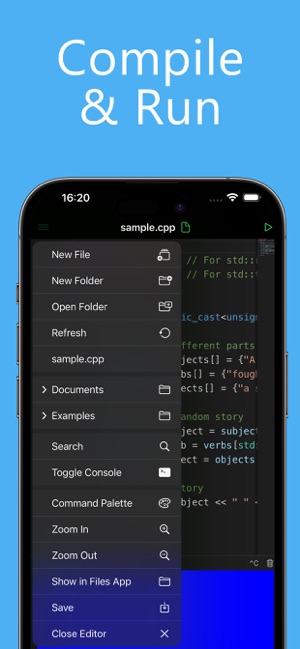
The ultimate code editor for iOS. Write, edit, and manage your code with powerful features, syntax highlighting, and seamless Git integration.
Download on App Store
Advanced syntax highlighting for multiple programming languages including JavaScript, Python, Swift, and more. Code becomes more readable and easier to debug.
Powerful search and replace functionality with regex support. Find and modify code across multiple files with ease.
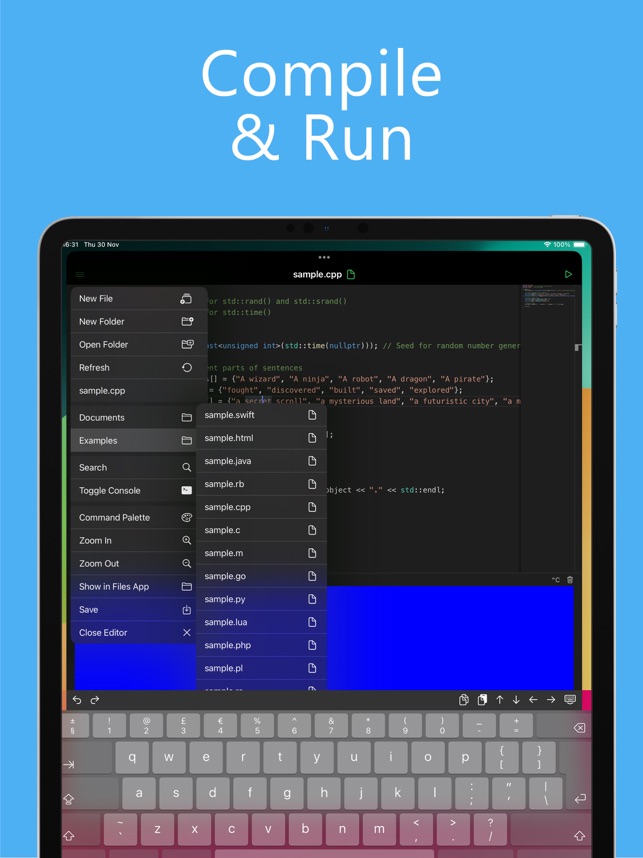
Organize your projects with an intuitive file explorer. Create, rename, delete, and organize files and folders seamlessly.
Choose from multiple color themes or create your own. Dark mode support for comfortable coding in any lighting condition.
Lightning-fast performance even with large files. Smooth scrolling and responsive editing experience on all iOS devices.
Built-in terminal, Git integration, and debugging tools. Everything you need for professional development on iOS.
Experience a distraction-free coding environment with syntax highlighting and line numbers.

Organize your projects with an intuitive file explorer and project structure.
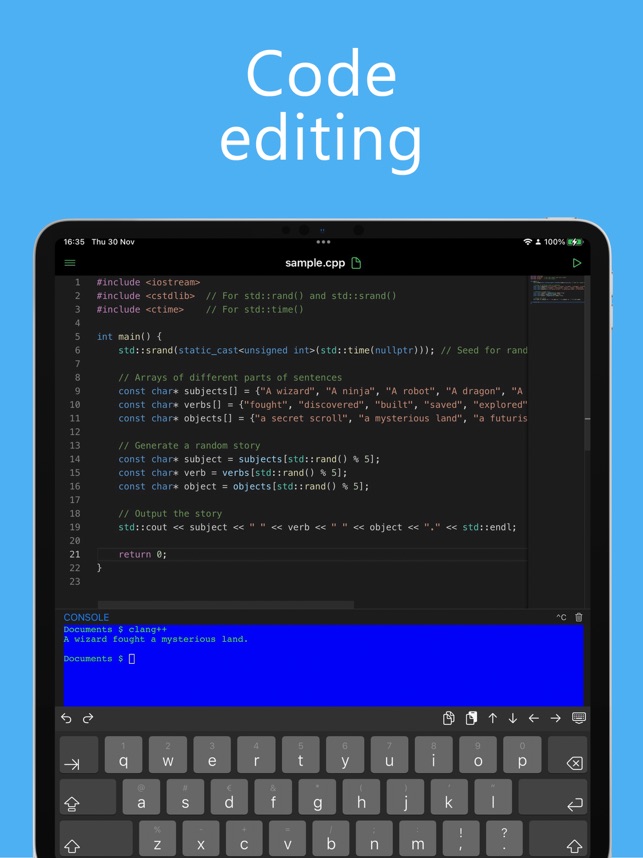
Run commands and manage version control directly within the app.

Preview your HTML files directly in the app with real-time rendering and debugging tools.
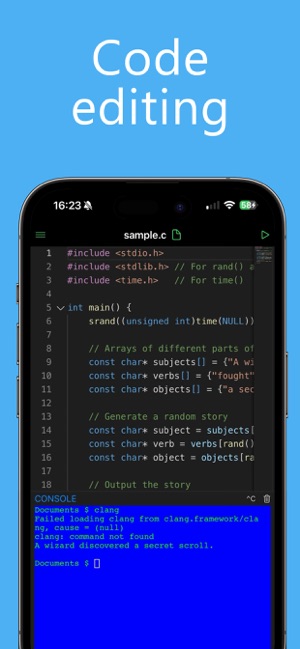
Navigate through your codebase efficiently with intelligent code folding and structure highlighting.
Download Visual Code today and experience the best code editor for iOS
Download on App Store